I said I’d do this, so here it is. This is what my process was for editing my trichromes in GIMP when the images were too poorly aligned for the proper tools.
First, open all three images in GIMP, then copy each image into a new project and give each one a colour label so you don’t forget which is which.
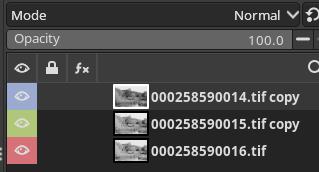
Then, hide the blue layer, and set the mode for the green layer to “Difference”.
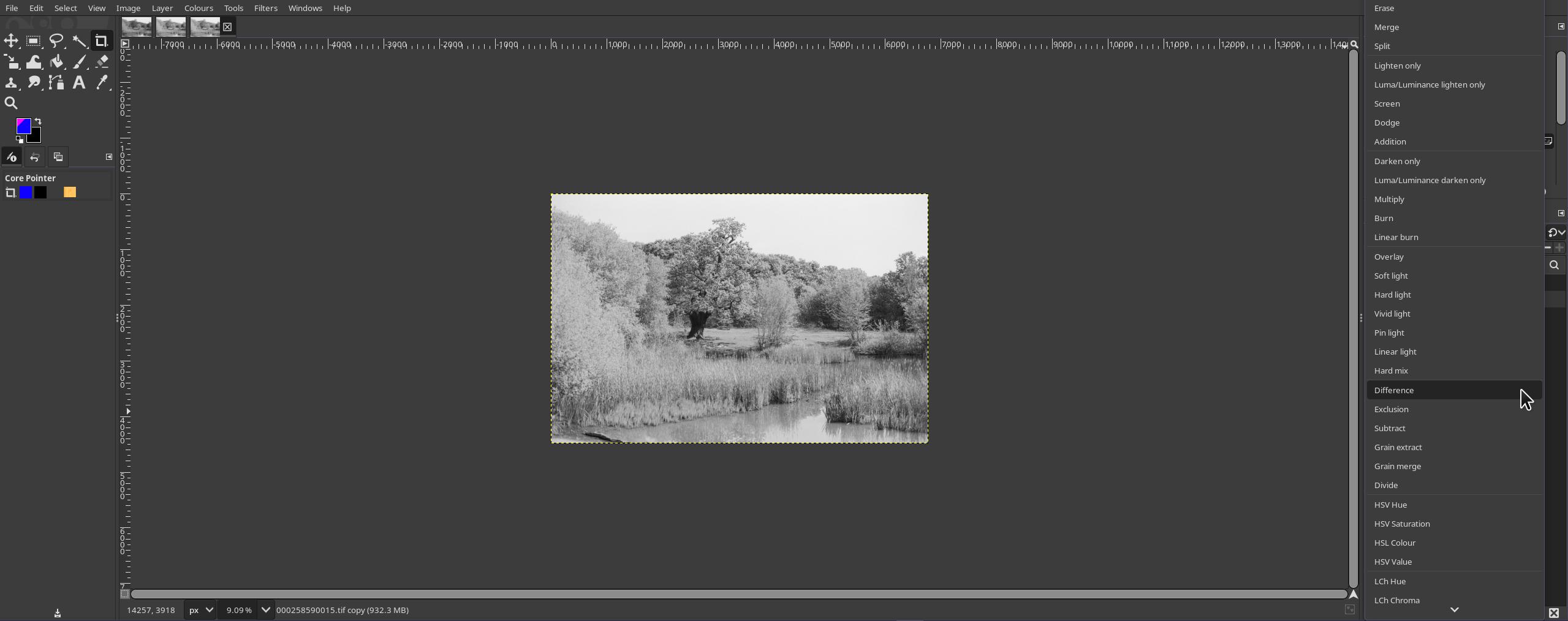
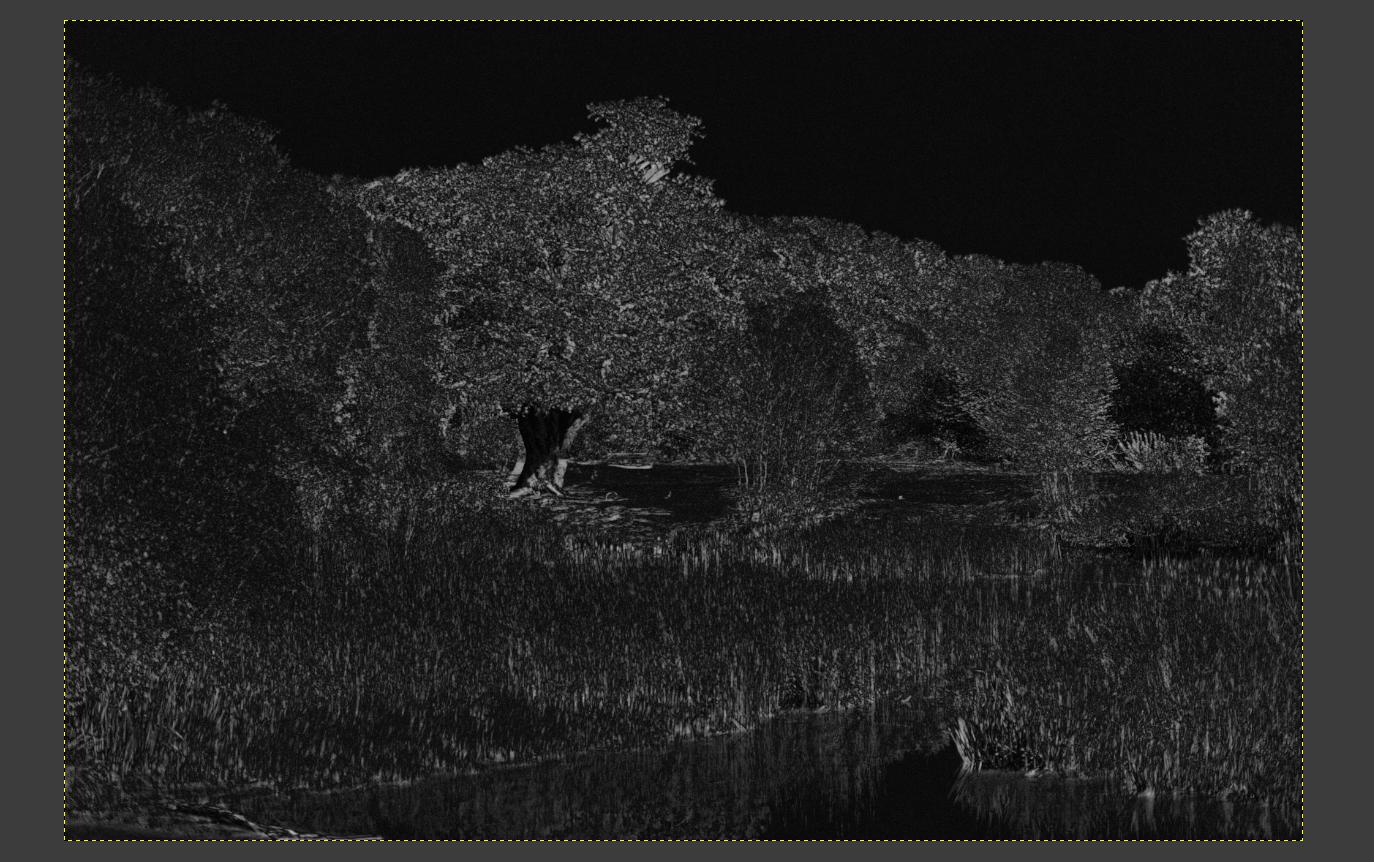
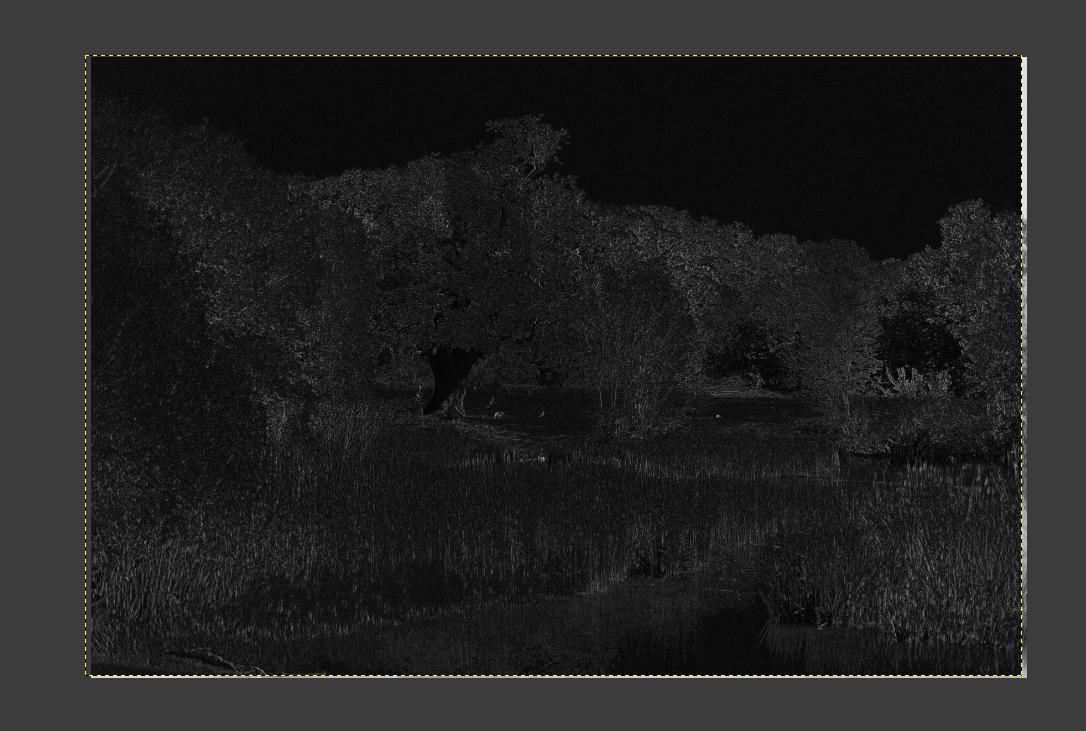
Move the green layer around until the images are aligned as well as you can get them. Then set the green layer mode back to “Normal” and repeat for the blue layer, hiding the green layer.
Next go to “Colours -> Colourize” for each layer, and set the values to the corresponding colours. Below are the values I used, maybe there’s better ones but this worked for me.
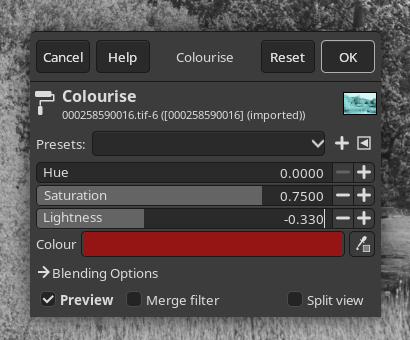
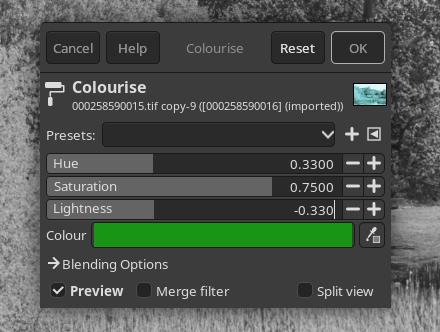
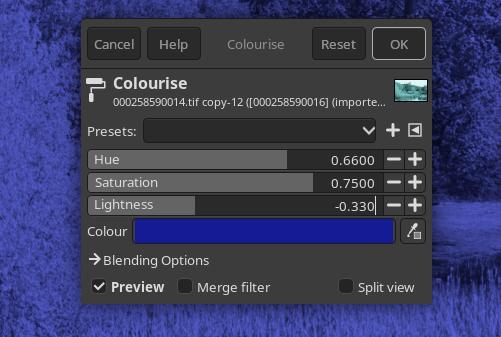
Set the mode for both the green and blue layers to “Screen”:
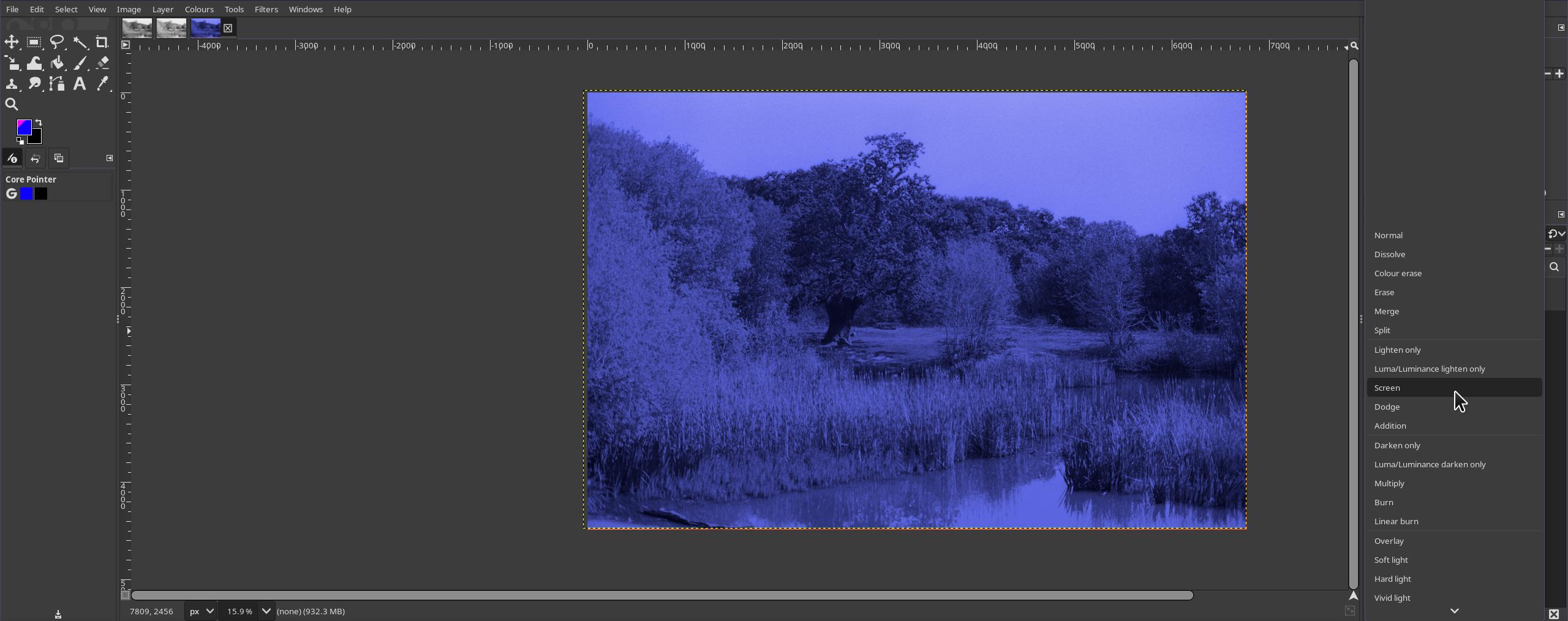
You should have a colour image! Crop out the coloured areas from the sides, and export.
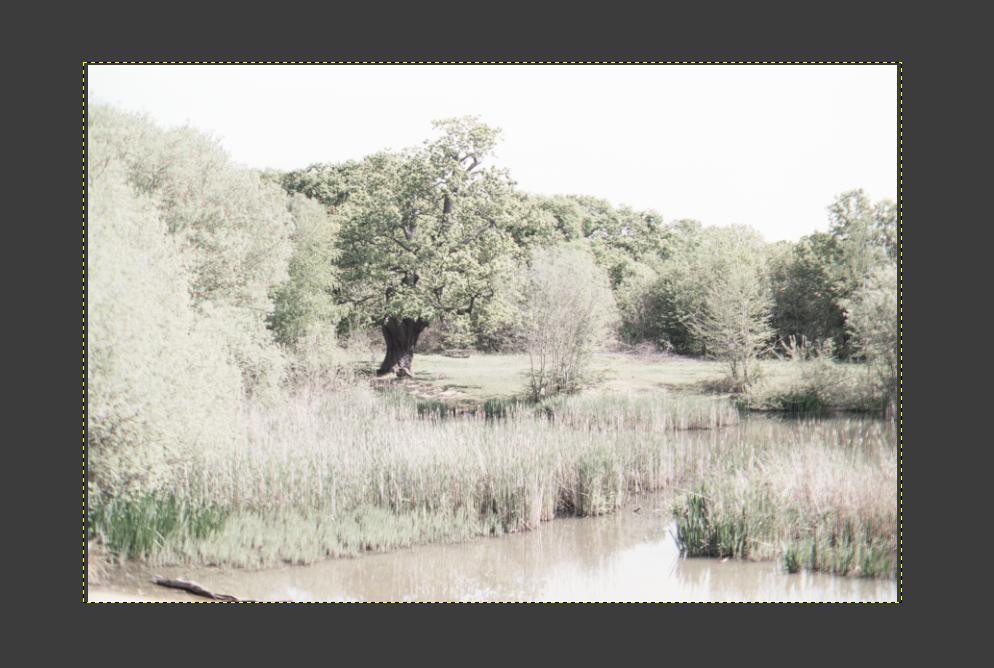
I then opened each one in RawTherapee for tweaking. I won’t show that as it was slightly different for each image. Generally I just tweaked things like lightness, exposure compensation, contrast, and saturation until I found something that looked good. The final result for this image is below.
Hopefully this can help someone. Although, I’d recommend trying to make sure the images are aligned better when taking them, it’ll make everything much easier.
-- Lolei <3